IntoPaid pulls products, variants, and prices straight from the Shopify catalog you already manage. There's no separate price list to maintain. You must connect Shopify before you can send an invoice.
Connect Shopify
IntoPaidSettings → Shopify
DemoShopify
Products, variants, and prices pull from the store you already run.

yourshop.myshopify.com
Invoice currency: USD
Connect your store
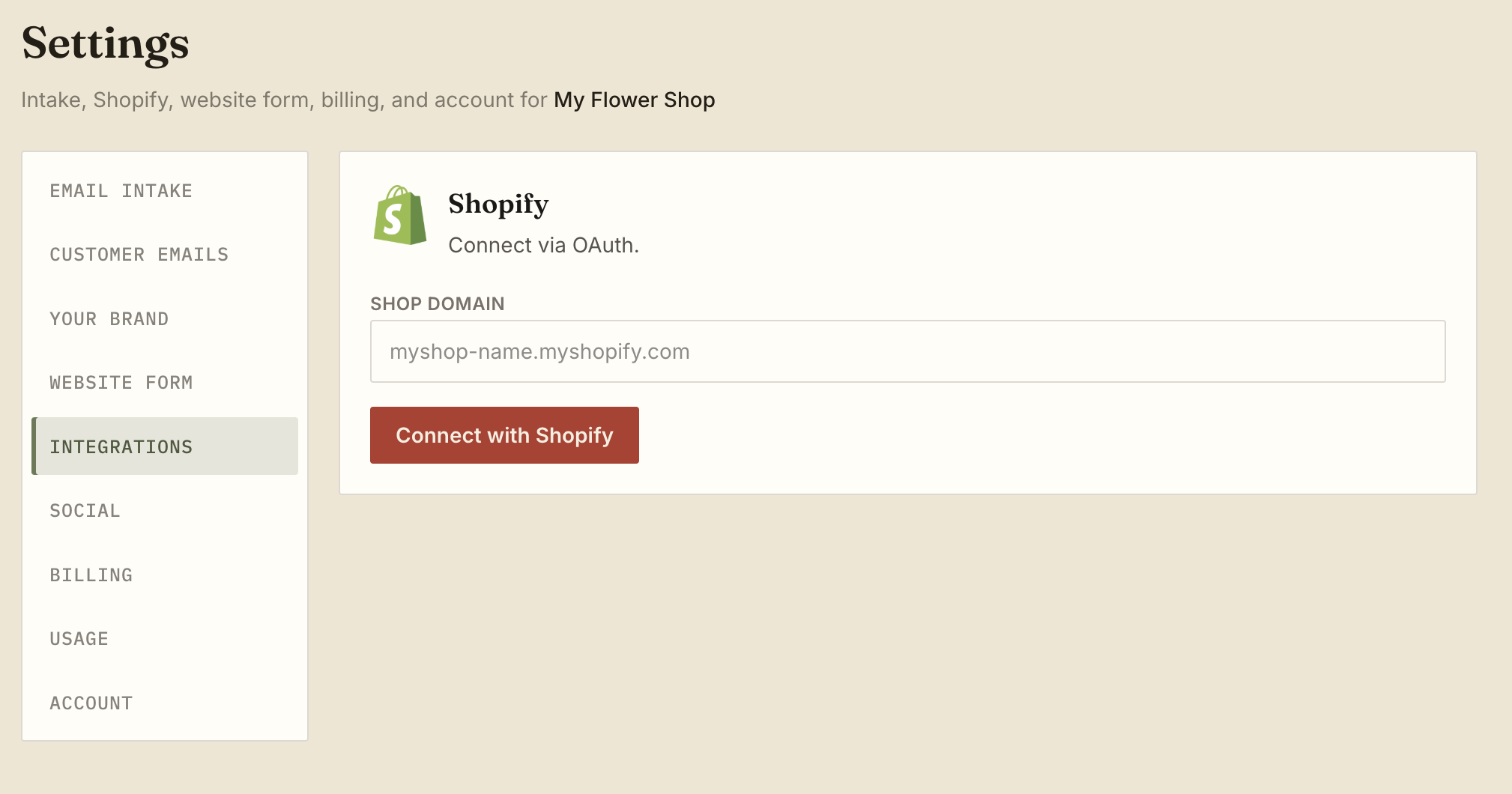
- Open Settings → Integrations and find the Shopify section.
- Enter your shop domain (for example,
yourshop.myshopify.com). - Click Connect with Shopify. Approve the app on the shop.
- Shopify opens its own approval screen. Review the permissions and approve the app for your shop.
- When the page returns and shows a green Connected badge next to your shop domain, you're all set.
The connection stays active until you disconnect it yourself or Shopify revokes access. If the status later shows disconnected, see Shopify disconnected.
Invoice currency
Below the connected badge you'll see an Invoice currency selector. This controls the currency used on draft invoices and quotes you send from IntoPaid.
It defaults to your Shopify store's primary currency. If your store has additional currencies enabled, those appear as options too. Pick the one you want, then hit Save.
What connection unlocks
Once Shopify is connected, several features become available:
- Product search on a ticket — pull items from your live catalog when building a quote or invoice.
- Shopify customer attach/detach — optionally link a ticket to an existing Shopify customer record (or remove the link).
- Draft invoices and quotes — create and send invoices that check out through Shopify.
- Paid sync — when a customer completes Shopify checkout, IntoPaid marks the ticket paid automatically.
- App views — browse Customers, Orders, Products, and Payments pulled from your store.
How payment works
IntoPaid does not process the card. When you send an invoice, your customer receives a link to Shopify checkout. They pay there using whatever payment methods you've enabled in Shopify — credit card, Shop Pay, and so on. Your customer never needs an IntoPaid account.
Once Shopify confirms the order is paid, IntoPaid syncs the status back to the ticket automatically.
Disconnecting
If you need to remove the connection, open Settings → Integrations and click Disconnect. You won't be able to send invoices until you reconnect. If the connection drops on its own, see Shopify disconnected for troubleshooting steps.
Next steps
- Create your first ticket to see product search in action
- Build and send a quote
- Connect Instagram if you take orders from DMs
Invite only
Seats open in small batches. Join the waitlist and we’ll email you when it’s your turn — no spam.

Was this helpful?
Can’t find an answer?
Send a note — we’ll email you back.